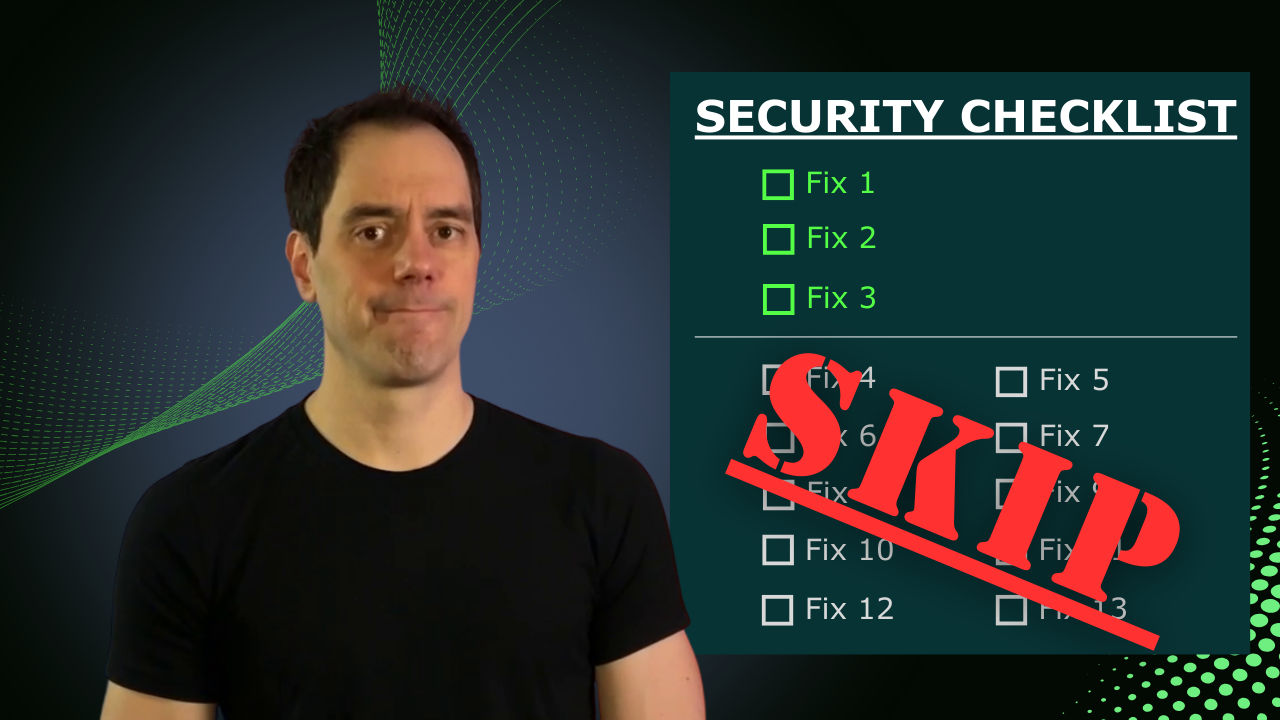
Have you ever stared at a security checklist for your new web application and thought, "I'll never get finished if I try to do all this"? Chances are, you are right, you will not. But there is good news: you do not have to do all of it!
After a long career of securing systems that actually get attacked, I can tell you that maybe six things on that checklist actually matter for your MVP. Let me show you which ones to focus on.
Security Is Always a Trade-off
Before diving in, it is crucial to understand that security is always a trade-off for convenience. Think about locks on your front door. It is definitely less convenient to carry a key everywhere. But that same inconvenience stops most people from walking into your house.
But if you are storing gold bars in your basement, a simple deadbolt is not enough. You probably want a safe or even a vault. It is less convenient for you, but significantly more secure against would-be attackers.
This analogy translates directly to applications. If you are a large enterprise with millions of users and significant revenue, you obviously need enterprise-grade security. But that is a very different situation than someone starting a new application with no users yet. You still want to build security into your application, but you will not be using the same techniques or putting in the same effort as a Fortune 500 company.
The OWASP Top 10: Not All of It Applies to You
For web applications, the gold standard for vulnerability protection is the OWASP Top 10. It is released annually and highlights the top 10 attack vectors against web applications from the past year.
I recommend reading through it to understand the risks, but you do not need to implement controls for every single item. The list provides general advice, and not all items are productive areas for solo devs to focus on.
For example, the "Cryptographic Failures" item probably has little overlap over your new application. As a solo dev, you might need to worry about encryption at rest for your database, which might be as simple as toggling on an option in your database or storage provider dashboard. But other controls, like TLS, are universal now; you almost certainly have an SSL-protected site. Everything else in that section is really a problem that comes with scale.
Four High-Priority, Easily Fixable Threats
So what actually matters? In my opinion, four OWASP threats meet the criteria of being both high priority and easily fixable for solo developers.
1. Injection Attacks
Injection attacks happen when you allow untrusted user data into your system in a way that lets that data accidentally perform actions you did not intend.
SQL Injection is the classic example. It hs been around forever and is absolutely devastating if you accidentally allow it. It occurs when you accept user input (for example, a query string) and use it in a SQL statement without proper sanitization. An attacker exploiting this can extract, destroy, or modify your data.
The fix is simple and well documented all over the Internet:
- Use an ORM. This is the easiest way to avoid injection because ORMs handle sanitization for you.
- If you must write raw SQL, use parameterized queries. Every SQL library has a way to use placeholders instead of raw user strings. Never concatenate user input directly into SQL.
AI Prompt Injection is a newer concern. If you have user data flowing to an AI system in your backend, you need to mitigate the possibility that users will try to manipulate the AI. You do not want the AI to accidentally reveal secrets, offer unauthorized deals, or make undesirable promises. Stay current on mitigation techniques if you are building AI-powered applications.
2. Security Misconfiguration
This includes things like exposing default credentials in production, accidentally leaking environment files, secrets, or API keys where users can access them.
The fix is straightforward:
- Remove any unused or sensitive files from your deployment
- Never check
.envfiles into your repository - Double-check everything accessible through a web browser. You should never be able to see environment variables, credentials, or API keys.
- Consider using a secrets manager instead of plain environment variables for sensitive data
For the paranoid, tools like ZAP (Zed Attack Proxy) can scan your application for misconfigurations. But that is more advanced and not strictly necessary at the MVP stage.
3. Authentication Failures
The main mitigation here is simple: do not roll your own authentication. Either use a well-maintained library that plugs into your application, or better yet, use a platform like Supabase, Auth0, or Clerk. With a platform, new features and security fixes are automatically available, and you do not have to stay on top of every vulnerability announcement yourself.
Beyond choosing the right provider:
- Enforce strong passwords with sensible rules
- Implement rate limiting on login attempts
- Add multifactor authentication to protect your users
As another layer of protection, you can put Cloudflare's free tier between your app and the internet. It adds rate limiting and bot detection that protects against credential stuffing, where attackers rapidly try known username/password combos from other breaches. Slowing down those attempts will make those kinds of attacks significantly less successful.
4. Supply Chain Failures (Vulnerable Dependencies)
This covers dependency management, vulnerability scanning, and CI/CD pipeline security. The fix is to scan regularly:
- For GitHub public repos, you can enable Dependabot to automatically notify you of vulnerabilities and create PRs to fix them
- For private repos, use Renovate's free tier for basic scanning
- As a manual option, on-demand option, run available command line scans, like
npm audit, regularly to see what needs updating. For npm, you can also usenpm audit fixto auto-update many of the dependencies.
Broken Access Control: High Priority, But Not Easy
The top item on last year's OWASP list is "Broken Access Control". I did not include it in the "easily fixable" category because, honestly, it is not easy to fix. But it is still high priority.
The concept for this item is that users should not be able to do anything beyond what they are authorized to do. A regular user should not access admin functions, view another user's data, or even see pages outside their permission set. Admin pages should return 404 or 403 for non-admin users.
There is no quick fix or easy scan for this type of vulnerability. Instead, the realistic fix comes down to:
- Defensive coding: Build access controls into both your frontend and backend/APIs
- Testing: Whenever you think "this would be bad if a user could do this," write a test for that case. Over time, you will build a suite of tests that ensure new code does not break your security model.
Quick Wins Beyond the OWASP List
A few additional tips that do not fall neatly into the OWASP categories:
- Use Hardened Docker Images. If you are using Docker, do not grab the most full-featured base image available. All those extra tools give attackers more options to leverage. Instead, start with stripped down images like
node:alpine. Or, even better, Docker has released official hardened images that are security-tested, battle-tested, and stripped down. They are free for anyone to use. - Implement Rate Limiting. Rate limiting is your friend. Either use a platform with built-in rate limiting (Supabase, Render, Vercel, Netlify) or put Cloudflare's free WAF (Web Application Firewall) between your application and the internet. Rate limiting protects against bots hammering your application and can save you money on usage-based billing.
- Add Security Headers. Security headers tell the browser exactly what is allowed and what is not, protecting against cross-site request forgery, cross-origin attacks, and clickjacking.
- If you are using express with Node.js, use the Helmet library to add standard security headers
- For Next.js, check their documentation on security headers
- On a LAMP stack, define the headers in your
.htaccessfile - For any other platform, the headers are the same, but the implementation differs
The Maintenance Mindset
Once your application is running in production, security is not a "set it and forget it" situation. Build these habits:
Weekly:
- Check Dependabot or Renovate for open PRs addressing vulnerabilities and merge the important ones
- Run
npm auditor similar manual scans if you are not using automated scanning
Monthly: Review who has access to your systems, secrets, credentials, etc., and revoke any access that is no longer necessary. Additionally, be cognizant of who has access to your systems, and rotate credentials when someone leaves.
Quarterly: review your threat model. Consider how many users do you have, how much revenue is at risk, how sensitive your data is, etc. Someone storing banking information has a significantly higher security threshold than someone running a habit tracker. Knowing your threat model helps you decide what is worth doing versus what is overkill.
The 80/20 Summary
If you want to cover roughly 80% of your security posture with maybe a day's worth of work, focus on these priorities:
- Secure your authentication (use a proven platform)
- Protect against injection (use ORMs and parameterized queries)
- Automate dependency scanning (Dependabot, Renovate, npm audit)
- Protect critical files and secrets (never commit .env files or keys)
- Add rate limiting (Cloudflare's free tier works great)
- Use hardened images (for Docker deployments)
You do not need to implement every control on every checklist to ship a reasonably secure MVP. Focus on what matters, build good habits, and scale your security as your application grows.
Do you want the information from this article in a free checklist you can use to secure your web application? Download my free web application security checklist, which has action items you can take today to improve the security of your application.