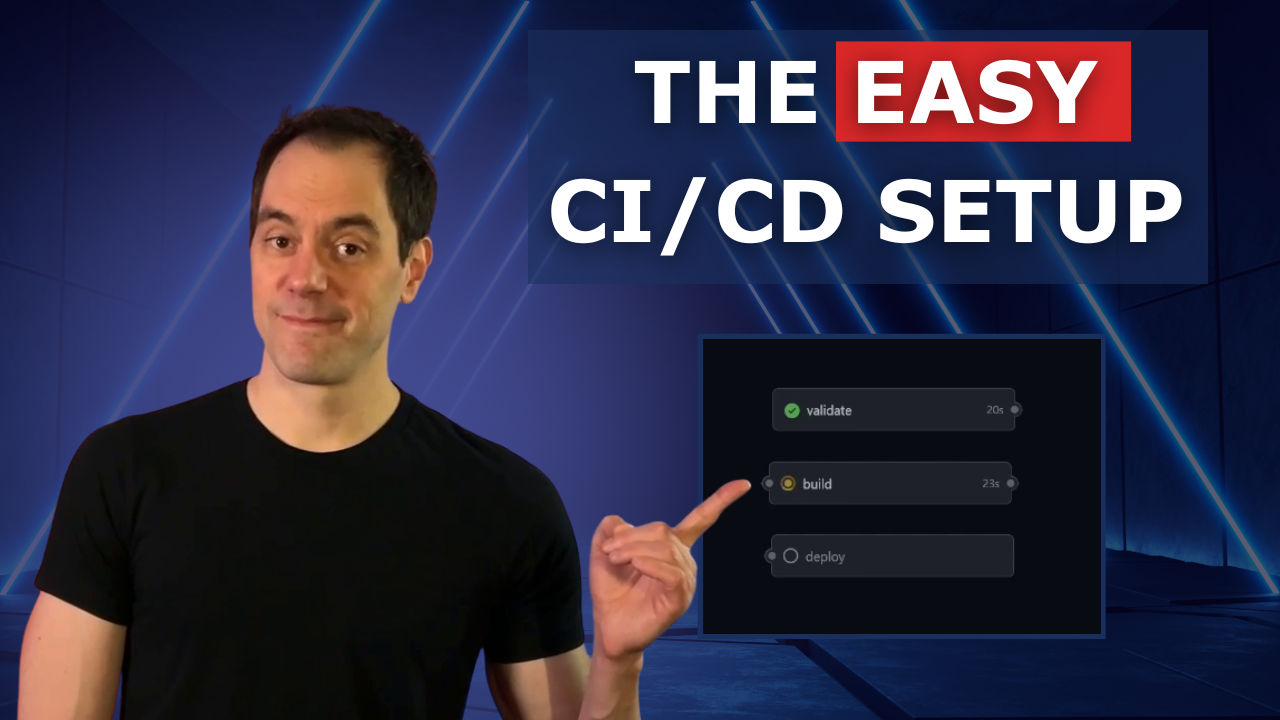
I am going to give you some advice that might feel wrong: build your indie app with a dumb simple CI/CD pipeline. No matrix builds. No staged rollouts. No Kubernetes. Just push to main, run tests, and deploy.
Let me explain why, for a new app with a team of one, this is your best option.
The Enterprise Pipeline Quagmire
At my last job, I built and maintained the full CI/CD pipeline for our backend and frontend applications. That included Java backend services, React micro-frontends, npm packages, Angular applications, and Next.js apps. Everything rolled out automatically to our dev environment in Kubernetes. I even wrote additional automations and gating for our pull requests to get code all the way up to production.
When the pipelines were working, everything was great. Automated feedback, security checks, the whole package.
But every few months, something would change. Maybe a security scanner altered its output and a downstream reporting script needed updating. Maybe the git platform tweaked an API and our PR security features stopped working. Whatever it was, suddenly I was wasting hours chasing down problems just to get back to status quo.
For a larger team with a profitable product, that's fine. But if you are the only developer working on a new application with few or no users, every hour spent debugging a pipeline is an hour you could have spent building features.
What You Don’t Need
Many of those fancy enterprise pipeline features are completely unnecessary for a solo project:
- Multiple environments for deployments
- Container orchestration or Kubernetes
- Complicated approval workflows - you are the only approver, why do you need workflows?.
- Matrix testing across platforms - your application is going to one platform. Don't test platforms you're not deploying to.
- Artifact caching - nothing to worry about until your pipelines actually start taking time.
- Self-hosted runners - extra maintenance with no benefit at your stage.
Remember: your pipelines should match your current reality, not a fantasy scale you think you might achieve someday. A solo dev pushing to one environment does not need enterprise pipelines.
What You Actually Need
Every indie project needs at most three things:
- Validate — Does your code work?
- Build — Can you package your code?
- Deploy — Get your code in front of users.
Let me show you how simple this can be.
Step 1: Validate
Create a GitHub Actions workflow file. The first job validates that your code runs by checking that all tests pass:
name: Simple CI
on: [push, pull_request]

jobs:
  validate:
    runs-on: ubuntu-latest
    steps:
      - uses: actions/checkout@v4
      - uses: actions/setup-node@v6
        with:
          node-version: 24
      - run: npm ci
      - run: npm run lint
      - run: npm test
At this step, we just want to know whether the tests you wrote are passing.
Step 2: Build
The second job confirms your code actually builds:
  build:
    needs: validate
    runs-on: ubuntu-latest
    steps:
      - uses: actions/checkout@v4
      - uses: actions/setup-node@v6
        with:
          node-version: 24
      - run: npm ci
      - run: npm run build
Notice that this job is clean snd simple, without any extra steps like matrix builds for platforms we will never use. Keep things simple until you actually need complexity.
Step 3: Deploy
There is a good chance that you might not even need to write a deploy job.
If you're using a platform like Vercel, Netlify, or Render, they can automatically handle deployments for you. My application runs on Render.com, and the deploy step happens entirely within their platform. It automatically grabs changes from my codebase, builds, and rolls out. I just check their pipeline in the UI for success or failure.
But if you want full control, here is a simple deploy job for Vercel:
    deploy:
    needs: build
    if: github.ref == 'refs/heads/main'
    runs-on: ubuntu-latest
    steps:
      - uses: actions/checkout@v4
      - uses: actions/setup-node@v6
        with:
          node-version: 24
      - run: npm ci && npm run build
      - name: Deploy
        run: npx vercel --prod --token=$
Notice this only runs on pushes to main, not on every PR (due to the if: github.ref line). But I have one other recommendation, which I use in my projects.
Instead of deploying changes that are made to the main branch, I have a branch called releases/production that triggers actual deployments. This lets me merge to main more frequently without worrying about accidentally breaking production. When I am ready to release, I merge from main to the production branch.
It adds one extra step, but I like the extra control, and it does not add any significant complexity. This also works with platforms that handle deployments for you. As long as the branch is already created when you add link the platform to your git repository, you can have the platform watch the release branch instead of main for automatic deploys.
When to Add Complexity
This pipeline is intentionally minimal. Here are some tips for when to consider adding more:
- If jobs are jobs taking more than 5 minutes, it is time to consider adding artifact caching, parallel jobs, or optimizing your build process.
- If you are bringing on additional developers, now you might want PR approval requirements and additional security checks.
- Once you get paying customers and money is involved, dedicate some time to build a staging environment. Your users deserve stability.
- If uptime is becoming a problem or you want to prevent breaking things in production that affects real users, it's time for additional environments and more careful rollout processes.
- If your security concerns are growing, add dependency scanning, SAST/DAST scanners, and automated vulnerability checks as determined by your up-to-date threat model.
In all these situations, take it case by case. Recognize when you've reached a point of complexity that justifies the additional pipeline work.
Conclusion
In about 38 lines of YAML, you have a complete pipeline that will work for months without thinking about it. Twenty minutes of setup and then you can forget it exists and focus on what actually matters: building features and getting your application in front of users.
If you are spending time building a complicated pipeline instead of building your application, you are just procrastinating from the real work. Your time is better spent shipping features than maintaining infrastructure you do not need yet.
Build simple. Ship fast. Add complexity only when you've earned the problems that require it.
Want to see the full workflow? View it on GitHub.